Document recognition: how to stop typing data by hand
Typing data from invoices, delivery notes and statements is one of the most expensive routines in a company. It is also one of the best suited to automation: documents repeat, the rules are known, the result is checkable. But expectations here usually run high, and the conversation should start with what accuracy is actually achievable.
Two generations of the technology
Classic OCR recognises characters and returns text. Pulling an invoice number and a total out of that text needs templates per document type. It works precisely until a supplier changes their form — then the template has to be rebuilt.
The modern approach understands structure: a model extracts fields by meaning rather than by coordinates. A new document format needs no retraining. The price of that flexibility is less predictability: errors are rarer but less systematic, and therefore harder to notice.
What accuracy is realistic
An honest baseline: on good scans of standard documents, key-field extraction works very well but not perfectly. That matters — across a thousand documents even a small error rate means dozens of wrong records.
So the question is not reaching perfect accuracy but designing a process that catches errors. The working pattern: confident fields pass automatically, uncertain ones go to a person.
Require the system to return not just a field value but a confidence score. Without it you cannot separate what needs checking from what does not, and you end up checking everything.
What affects the result
Source quality. A photo taken at an angle in poor light extracts noticeably worse than a scan. Often the most profitable improvement is not a better model but a better way of receiving documents.
Consistency. Invoices from ten regular suppliers process more reliably than arbitrary documents from anyone.
Handwriting. Printed text extracts well; handwriting noticeably worse, and expectations should reflect that.
Tables. Multi-page tables with complex structure and merged cells remain a hard problem.
How to fit it into a process
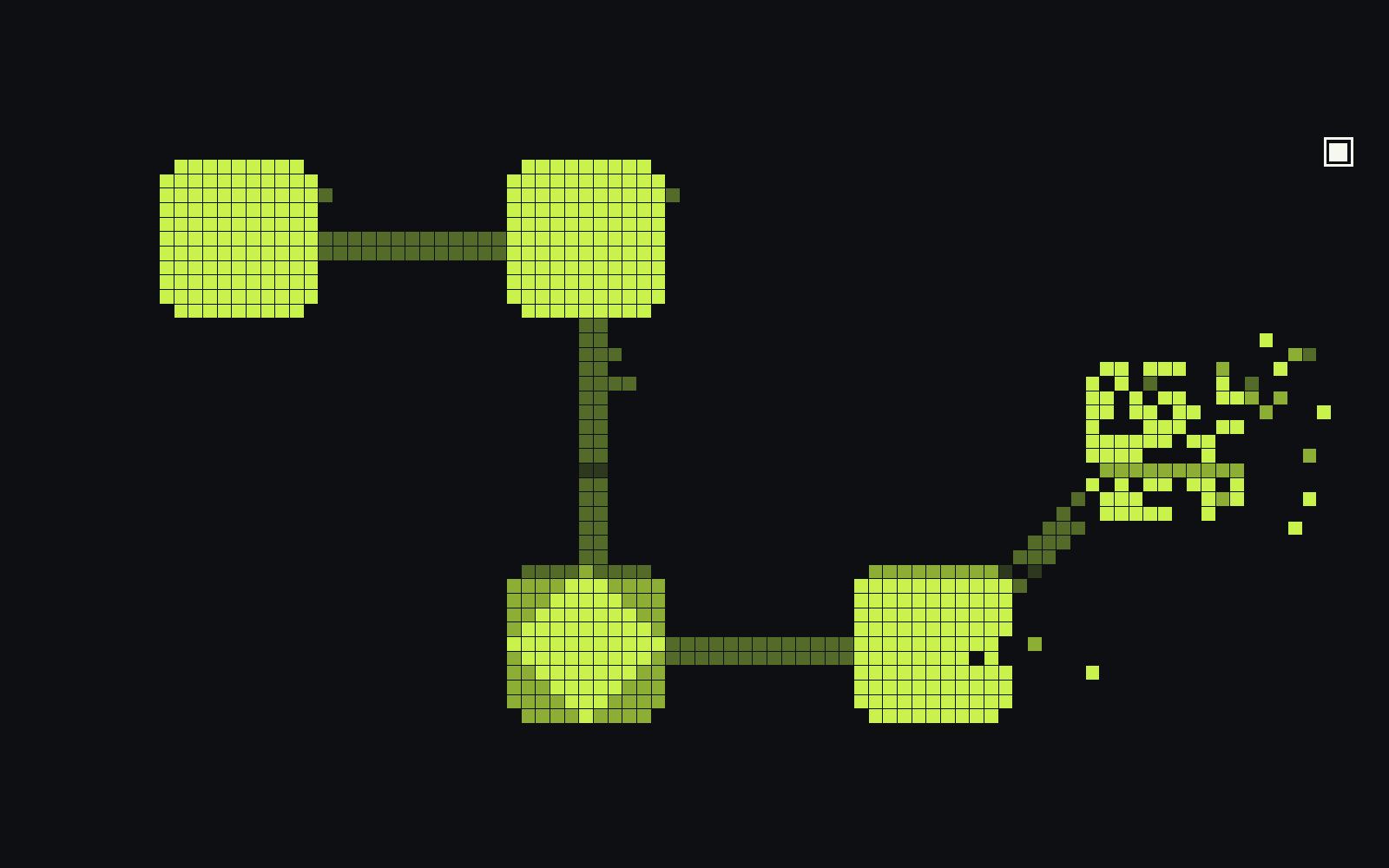
Automated extraction only helps if the result lands somewhere. A typical chain:
- The document arrives: email, scanner, upload in an interface.
- The system extracts fields and scores confidence for each.
- Confident documents flow into the accounting system automatically.
- Uncertain ones enter a review queue with the doubtful parts highlighted.
- Human corrections are stored and used to improve the setup.
How to calculate the return
Take documents per month and the time to key one in by hand. That is the upper bound on savings — the real figure is lower, because some documents still go to review.
Count honestly: if automation handles three quarters of the flow and a person checks the rest, savings land near that proportion rather than at a hundred percent. Often the bigger win is not saved hours but speed: a document is processed in minutes instead of waiting in a queue until Friday.
Where to start
With one document type and one process. Take the most frequent — usually invoices or delivery notes — and run it from arrival to landing in your accounting system.
Before development, collect a sample of real documents including bad ones: creased, phone-photographed, atypical. They show immediately what is achievable, and the accuracy conversation stops being theoretical.
Questions people ask
How does automated document recognition work?
The system takes an image or PDF, extracts the text and identifies which fragments correspond to the fields you need — number, date, total, counterparty. Modern solutions understand document structure and do not need a template per form.
How accurate is document recognition?
On good scans of standard documents it is high but not perfect. That is why the process is built so confident fields pass automatically and uncertain ones go to a person.
Can handwriting be recognised?
It can, but accuracy is noticeably lower than for printed text. Processes involving handwriting should budget for a higher share of manual review.
Does the system need training on our documents?
Modern solutions usually work without training on specific forms. A sample of your real documents is still needed, to establish achievable accuracy before development starts.
How do we calculate the return?
Multiply monthly document volume by the time to key one in, then subtract the share that still goes to review. Often the bigger benefit is processing in minutes rather than days.